Welcome to the MRS App
Your all-in-one tool for managing safety, compliance, and equipment with ease.
The MRS App gives you instant access to asset details, inspections, and reports.
Download the app
Scan QR codes to view asset
Complete checklists and log tickets
Step 1: Download The App
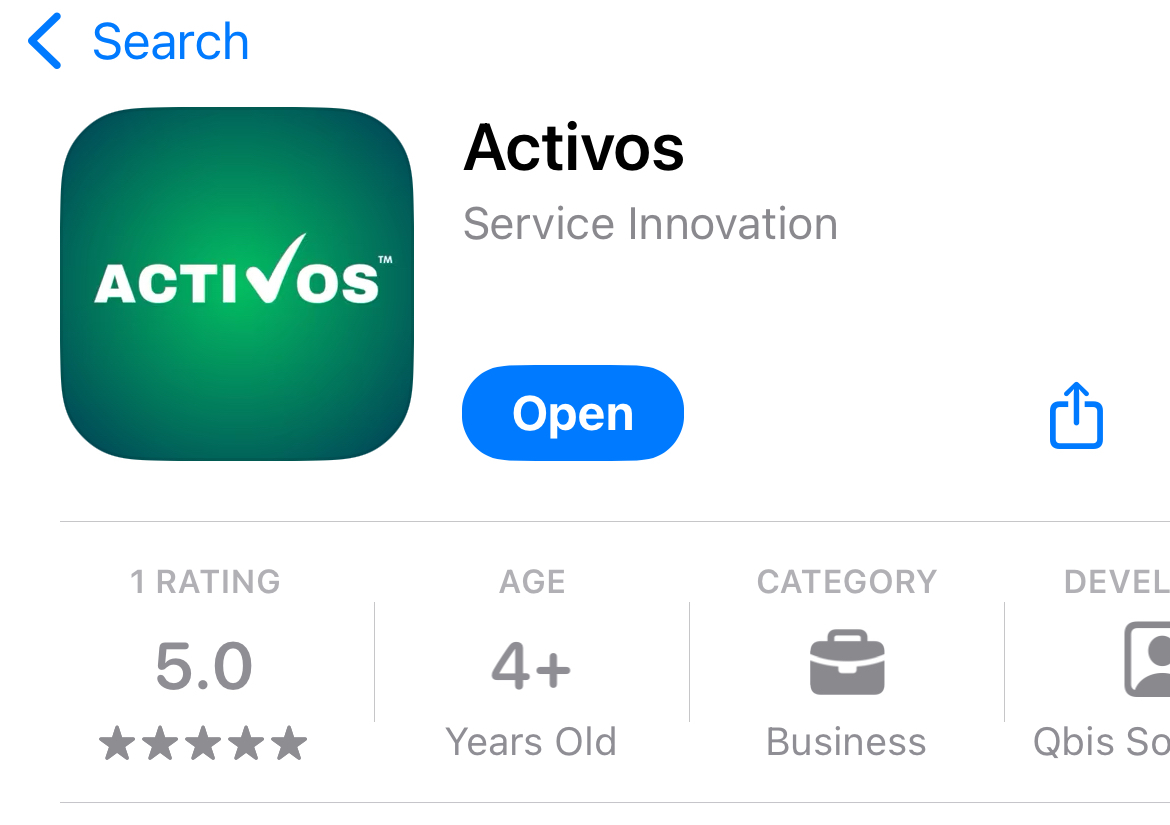
Click on the download button for Google or Apple and install the app on your mobile device.
Step 2: Scan a QR Code
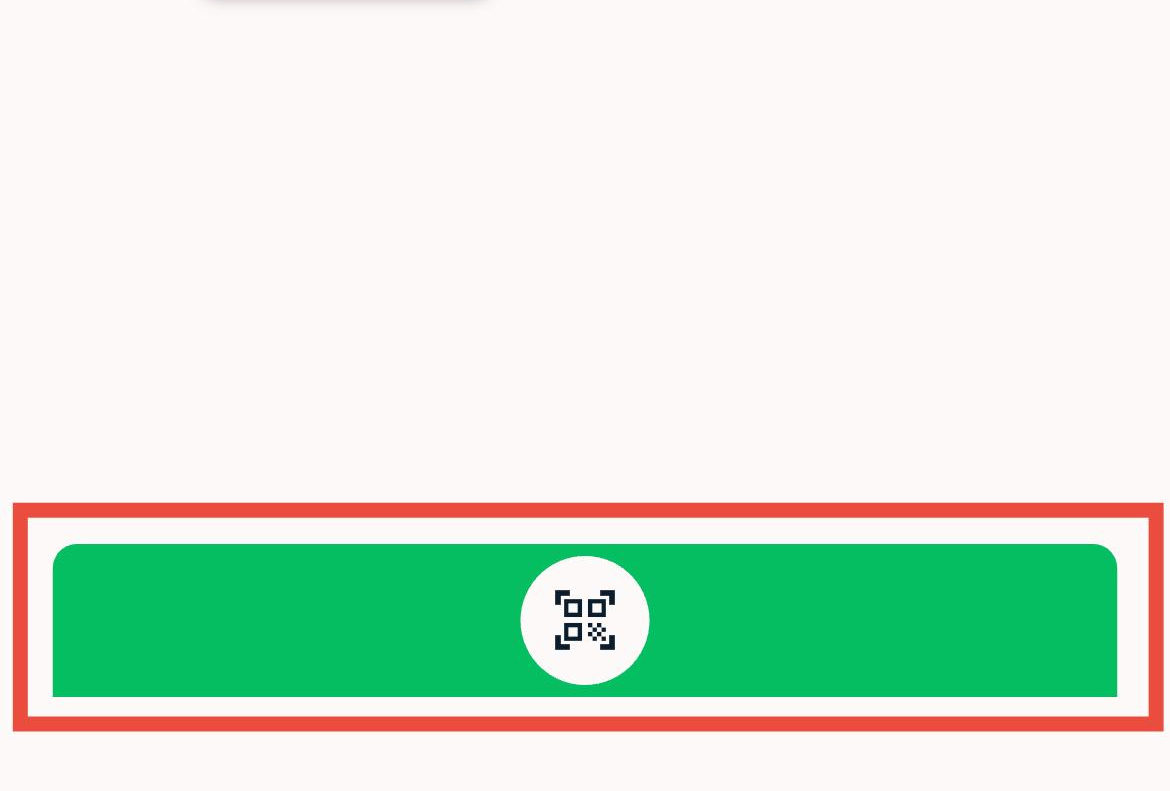
Open the app and click on the scan button on the bottom of the login page.
Point the phone at the QR code and scan it with your mobile device's camera.
Step 3: Fill in the Check Sheet
Once you have scanned the QR code you will see a check sheet.
Fill in the check sheet and click on the submit button to create a ticket.